
The Problem:
To effectively support all brokers, we identified two major conflicting challenges.
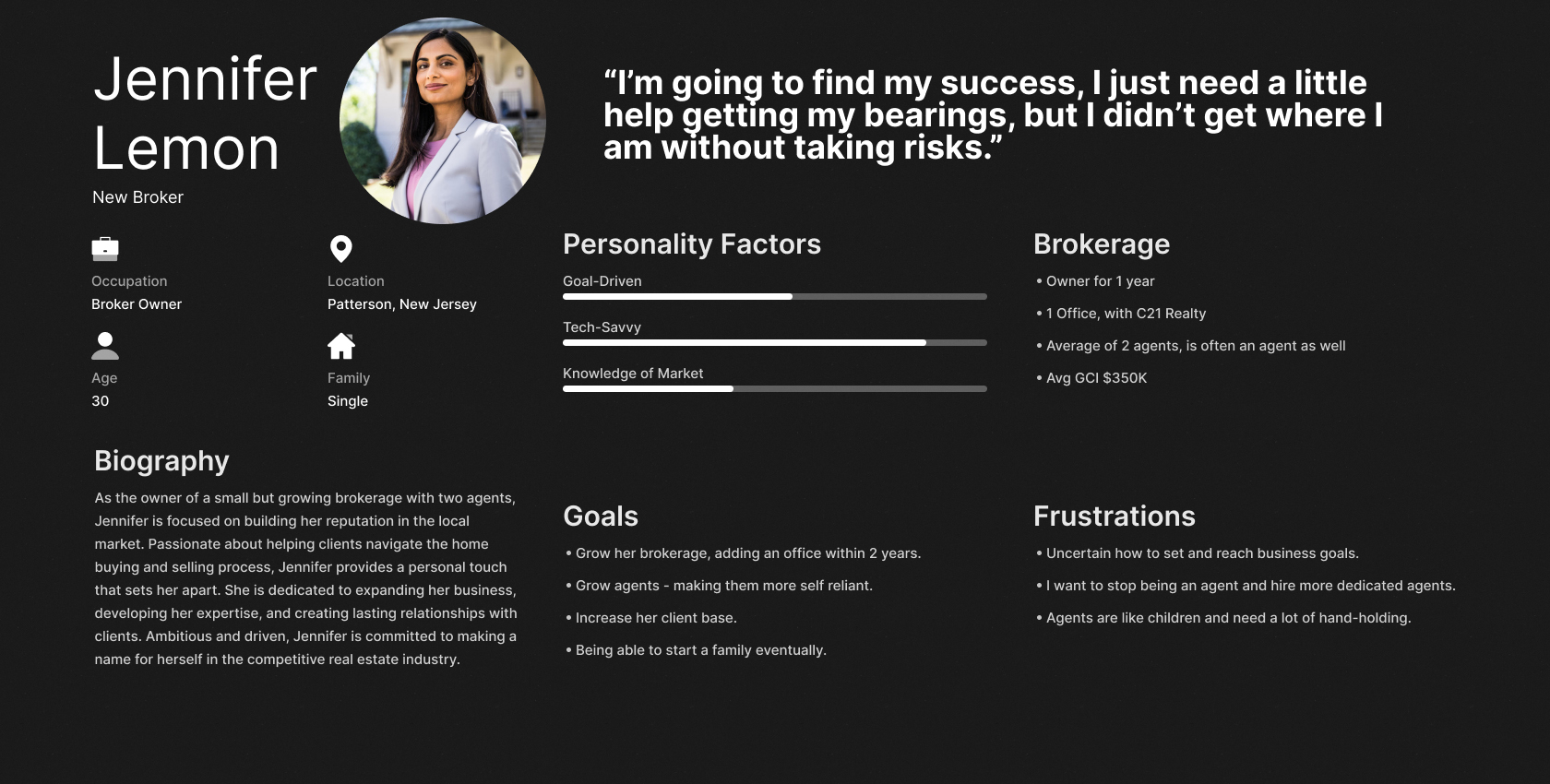
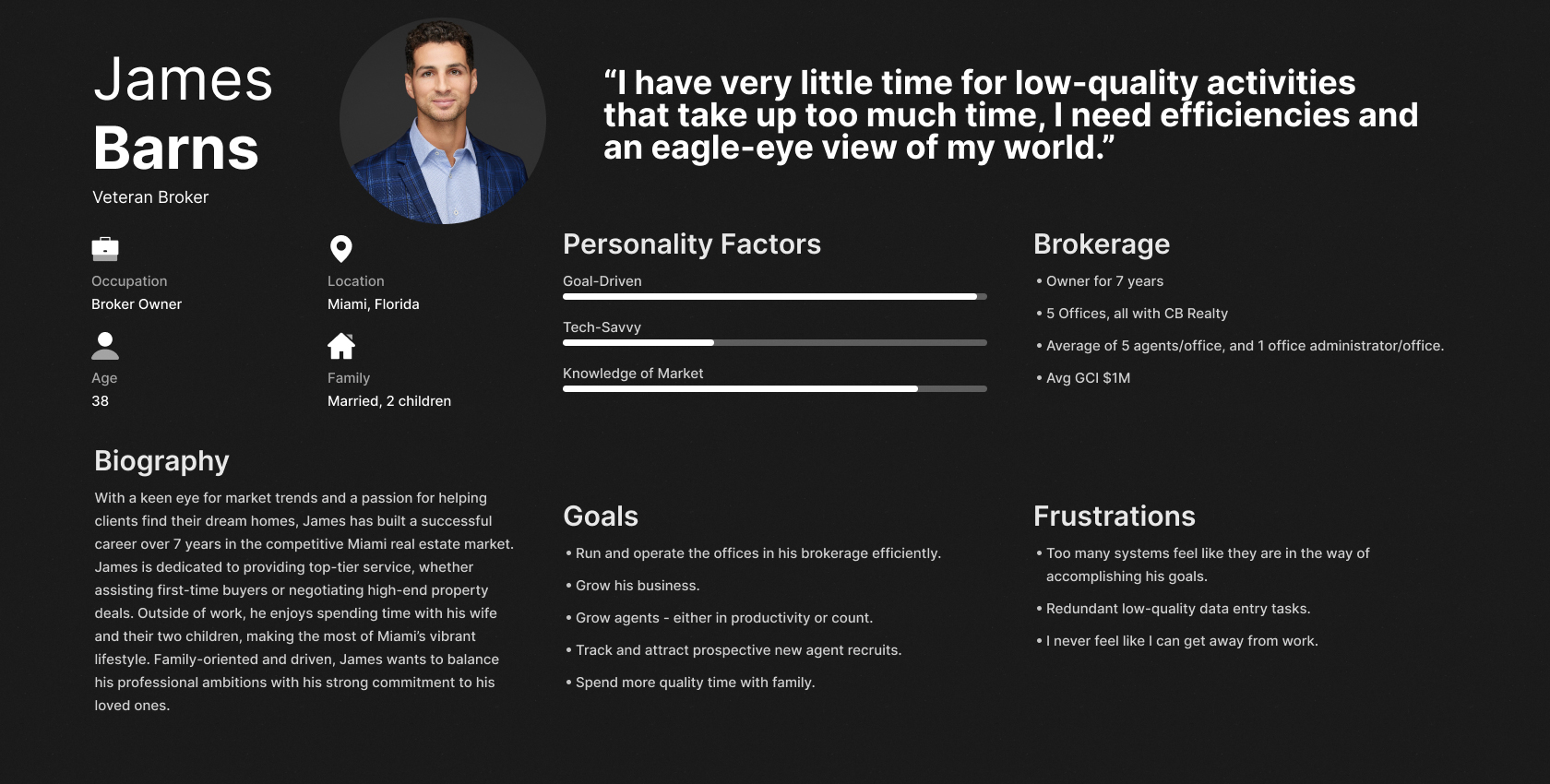
First, there was a significant disparity between the needs of New Brokers and Veteran Brokers, often leading to friction.
- New Brokers tend to be younger, typically operate one or two office locations, and are more tech-savvy and open to innovation. As they establish themselves, the expectation is that they will transition into Veteran Brokers if successful.
- Veteran Brokers are generally older, often managing multiple office locations as their businesses expand. They are slower to adopt new technology, preferring traditional methods they perceive as reliable. With larger operations to oversee, they can quickly become overwhelmed by increasing demands.
The second challenge was balancing feature depth with usability. Providing robust functionality could introduce complexity in app navigation – potentially tedious for New Brokers while feeling overly cumbersome for Veteran Brokers, leading to discoverability issues.
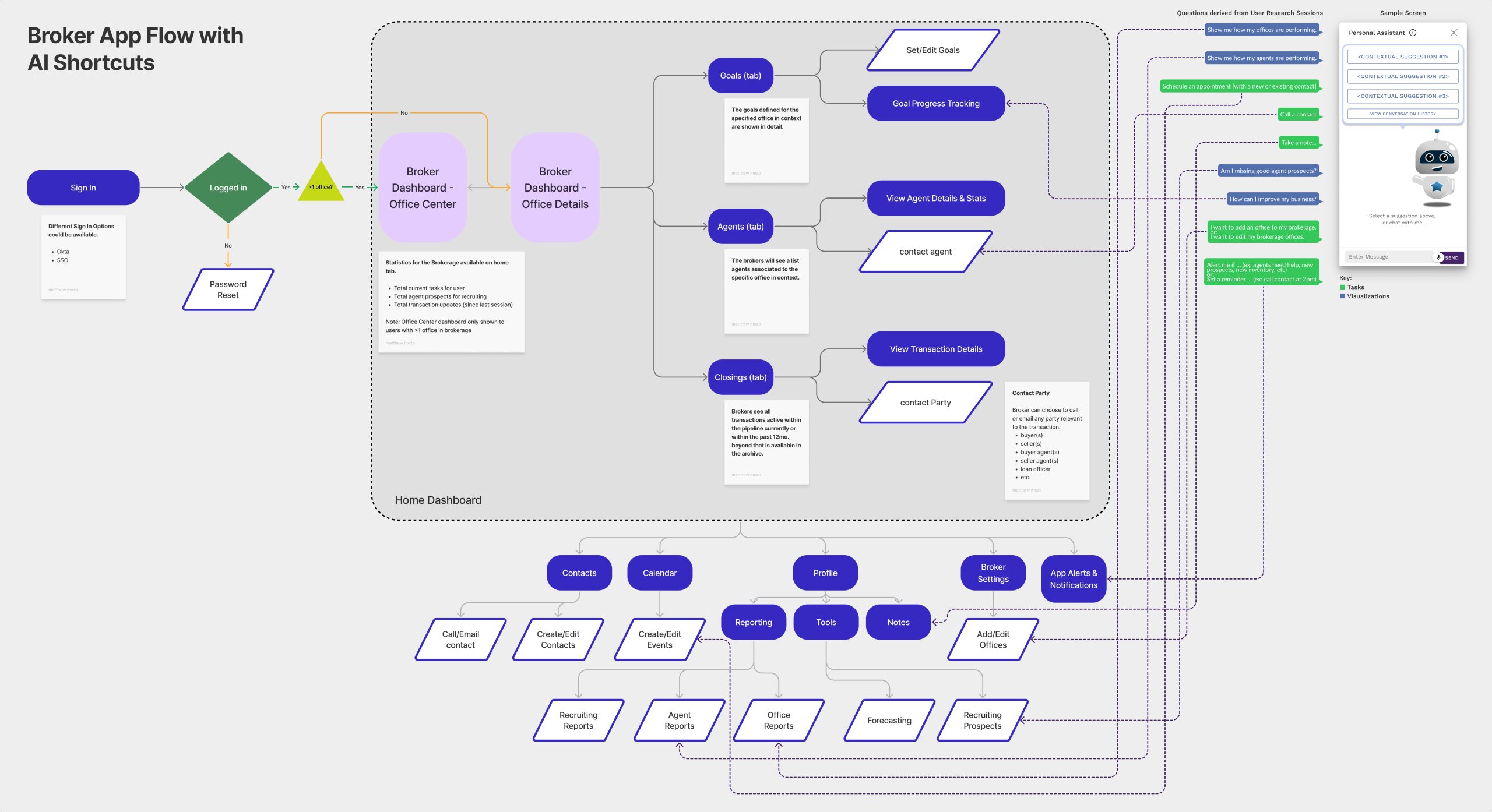
These challenges underscored the need for highly intuitive, streamlined solutions that bypass traditional manual navigation, which many fast-paced users perceive as too slow.
Example Screens:
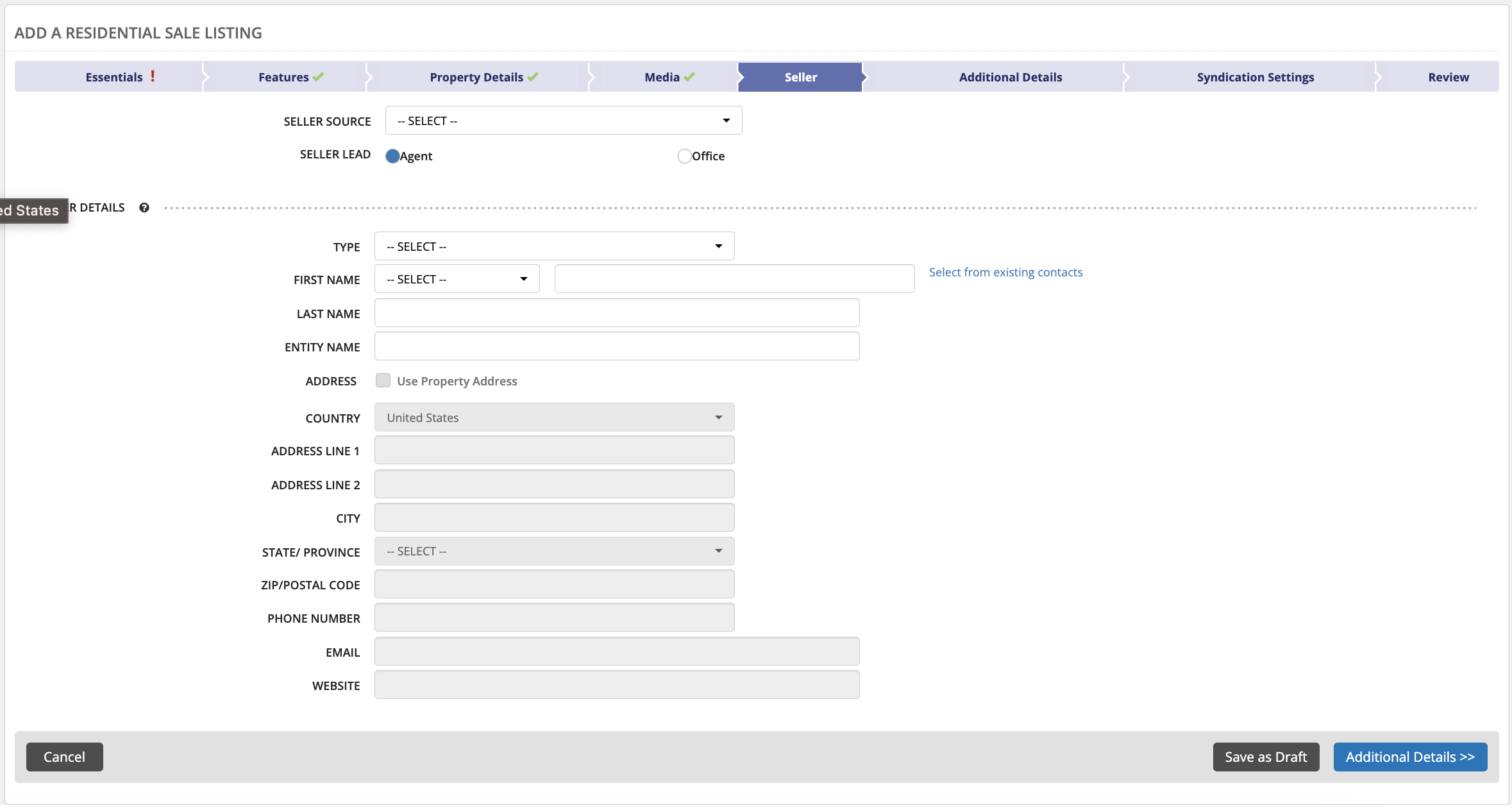
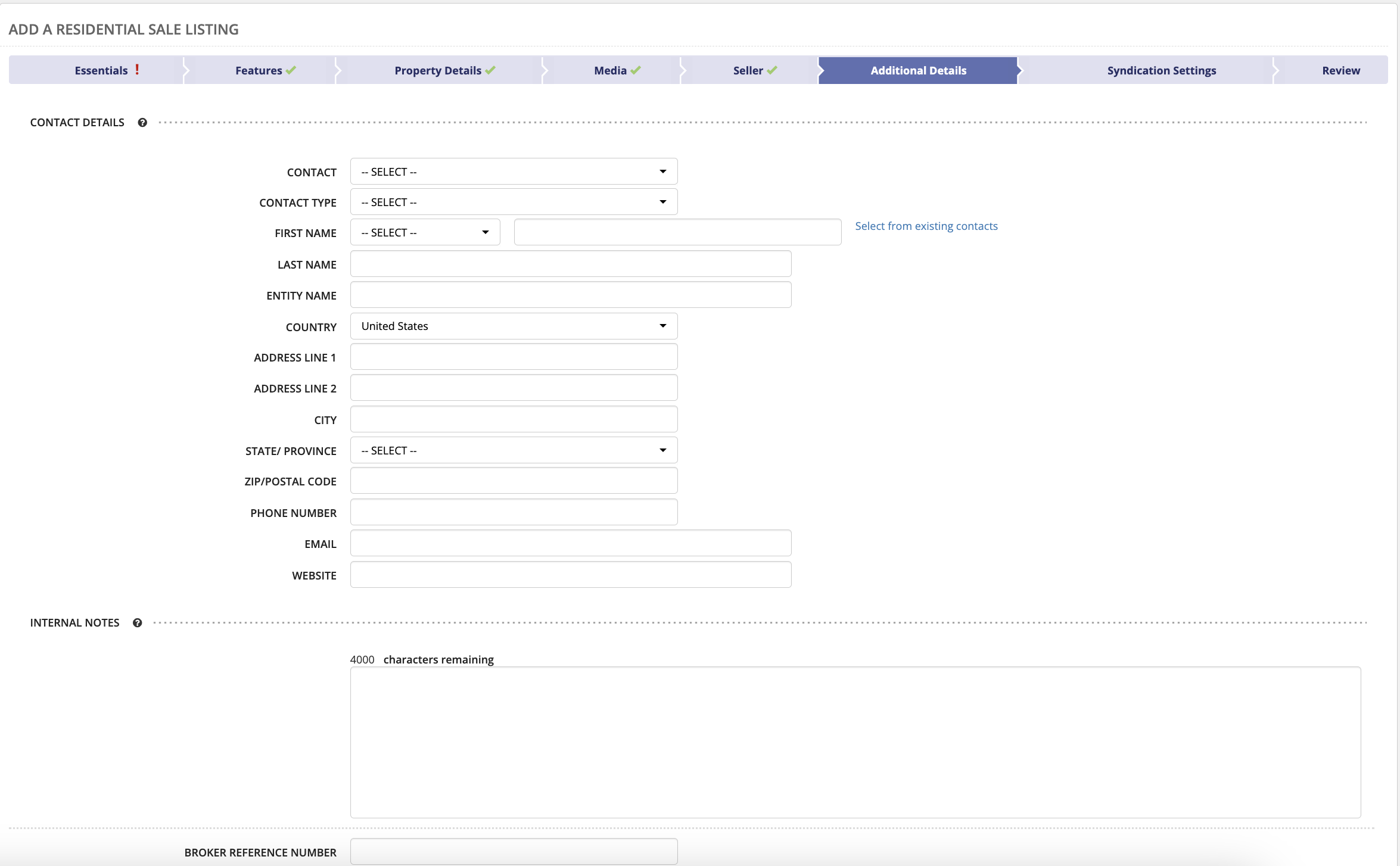
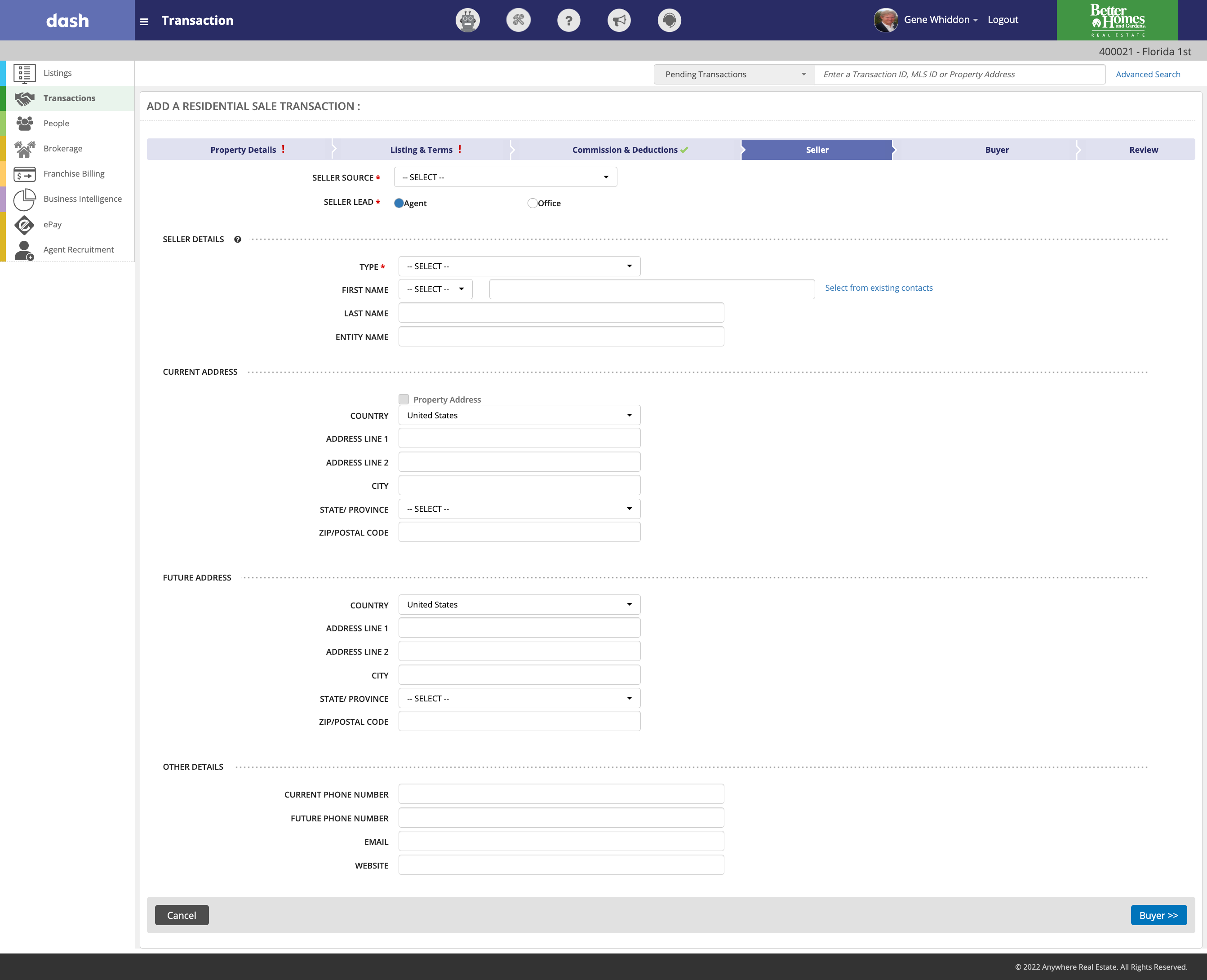
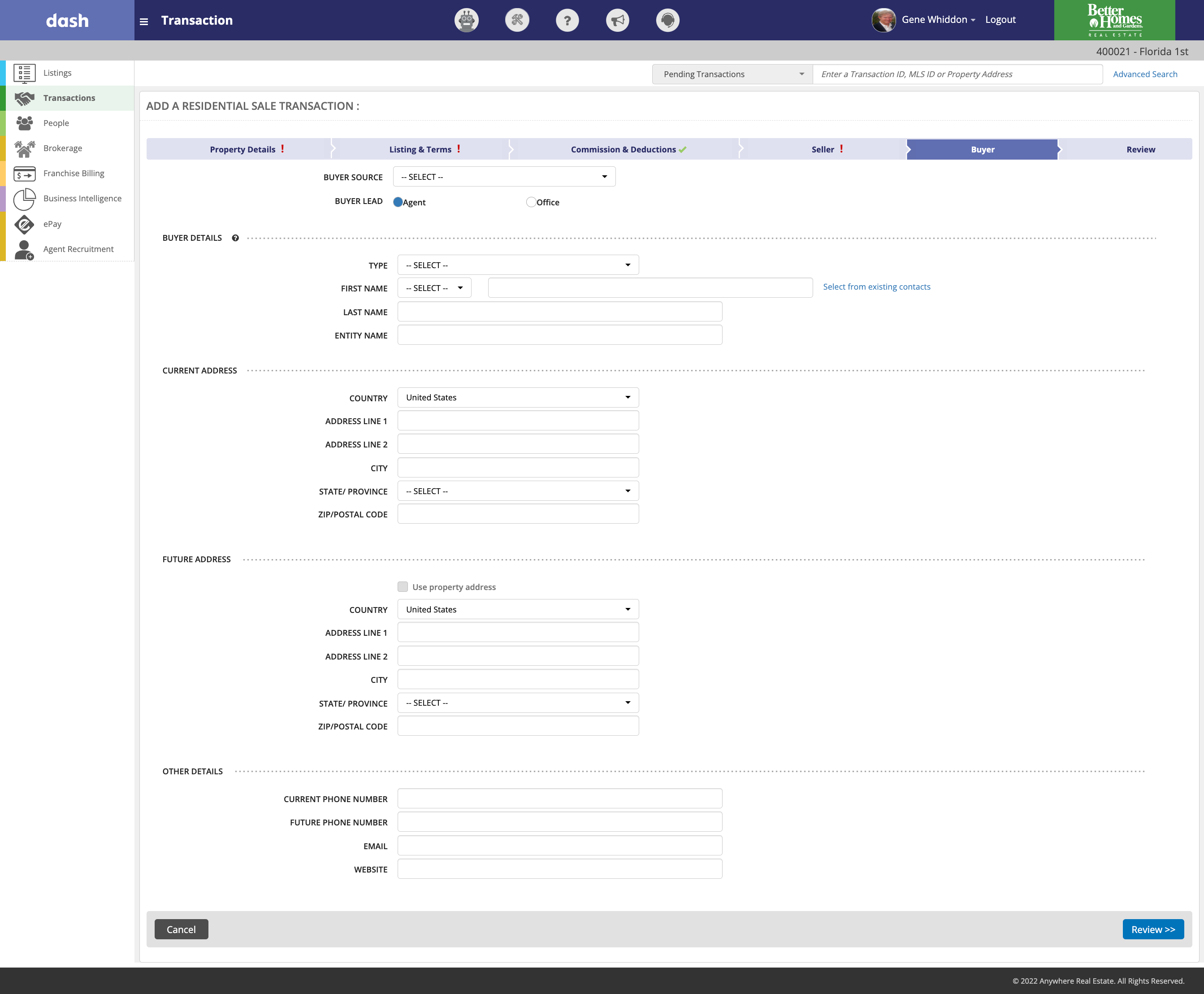
The Solution:
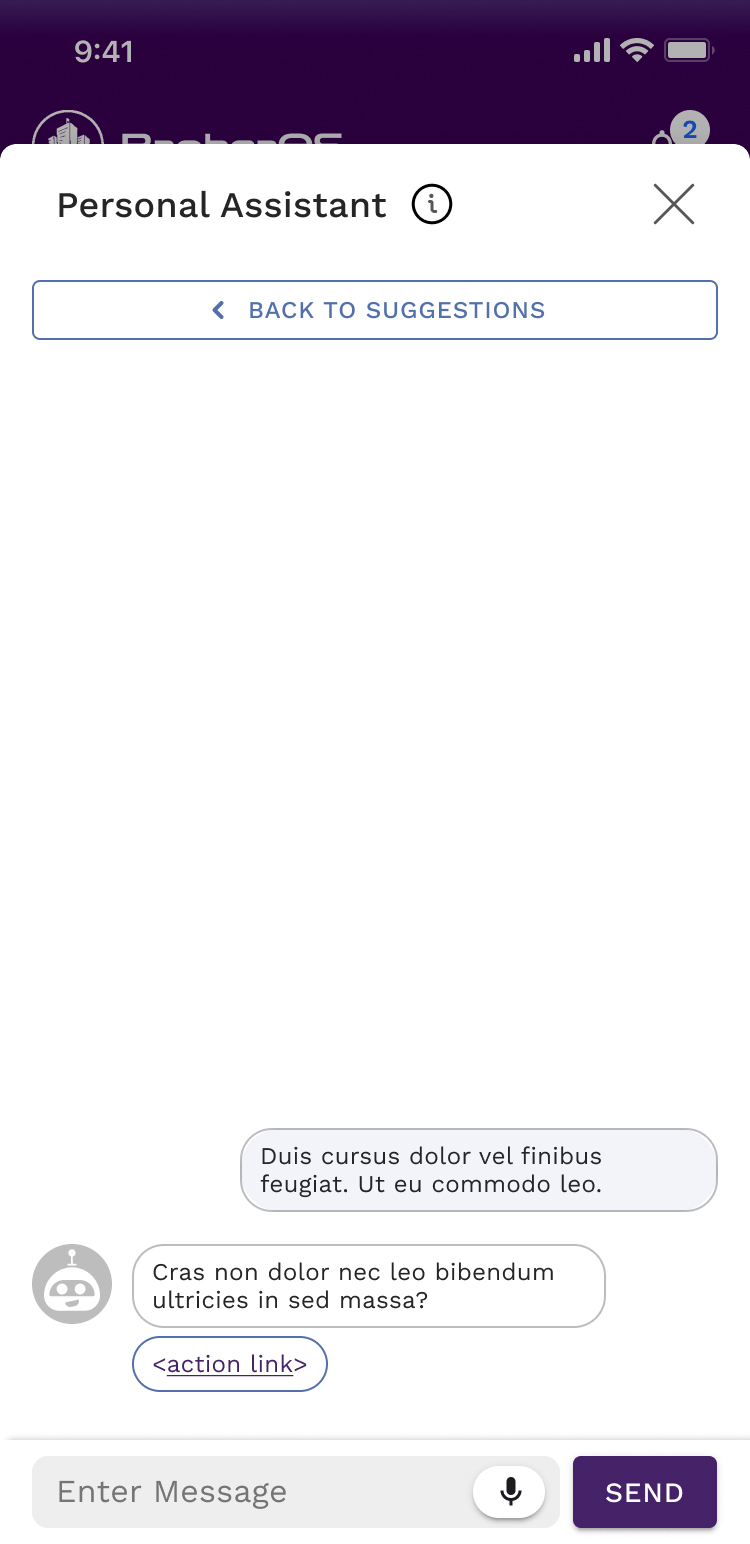
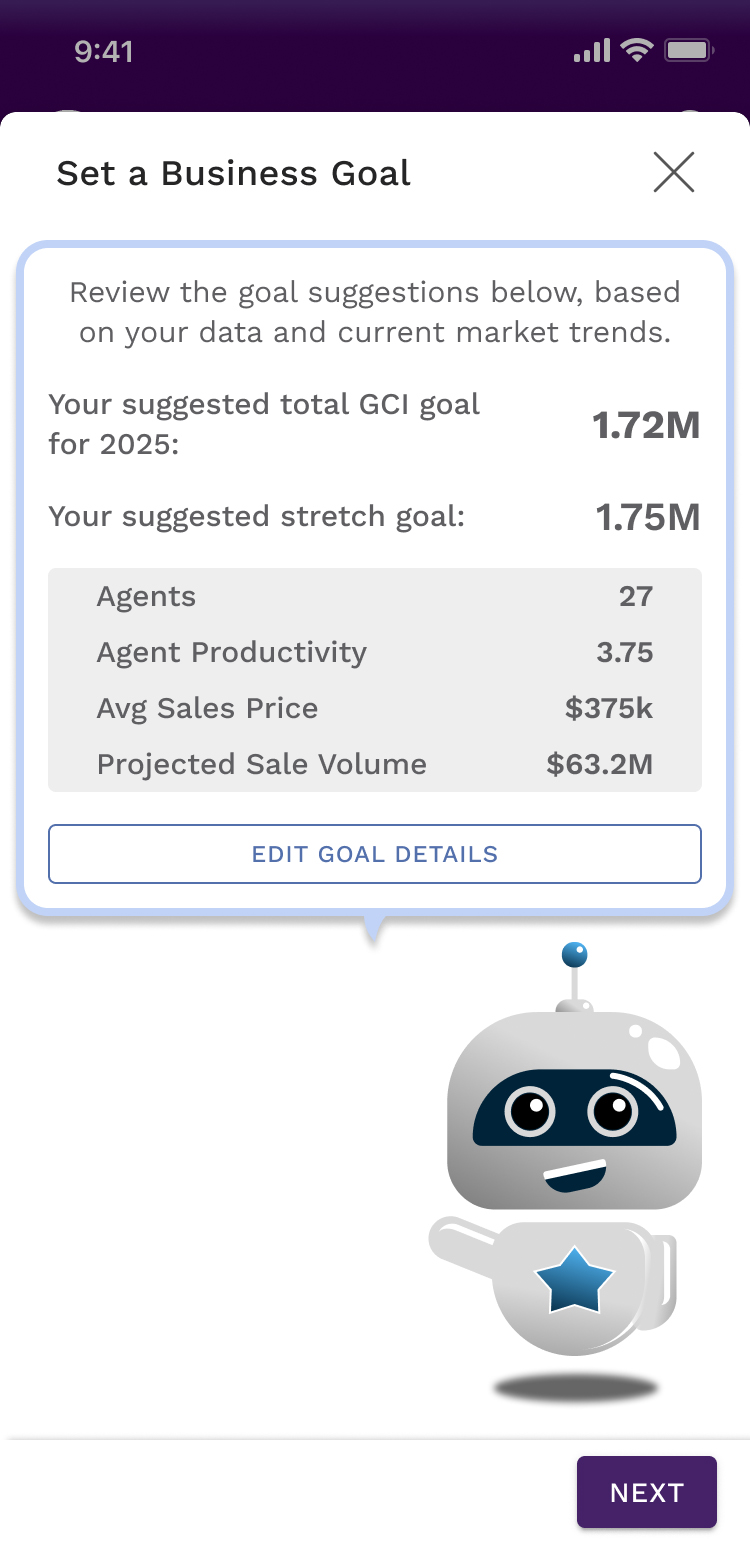
Due to the large disparity in potential broker users and the potential need for deep navigation, importance was placed on the AI assistant interface to simplify many complex tasks. This was for the following reasons:
- The “Broker OS” AI assistant can bridge the discoverability gap for all user personas with minimal training of an LLM. With a handful of flexible response templates, the UI can easily accommodate many complicated user requests.
- Users with limited time or limited tech know-how can easily “talk to” the AI assistant to complete many common tasks using natural language.
- The AI assistant can utilize user behavior data to provide contextual suggestions based on the type of user and where in the app the user initiates the assistant UI.
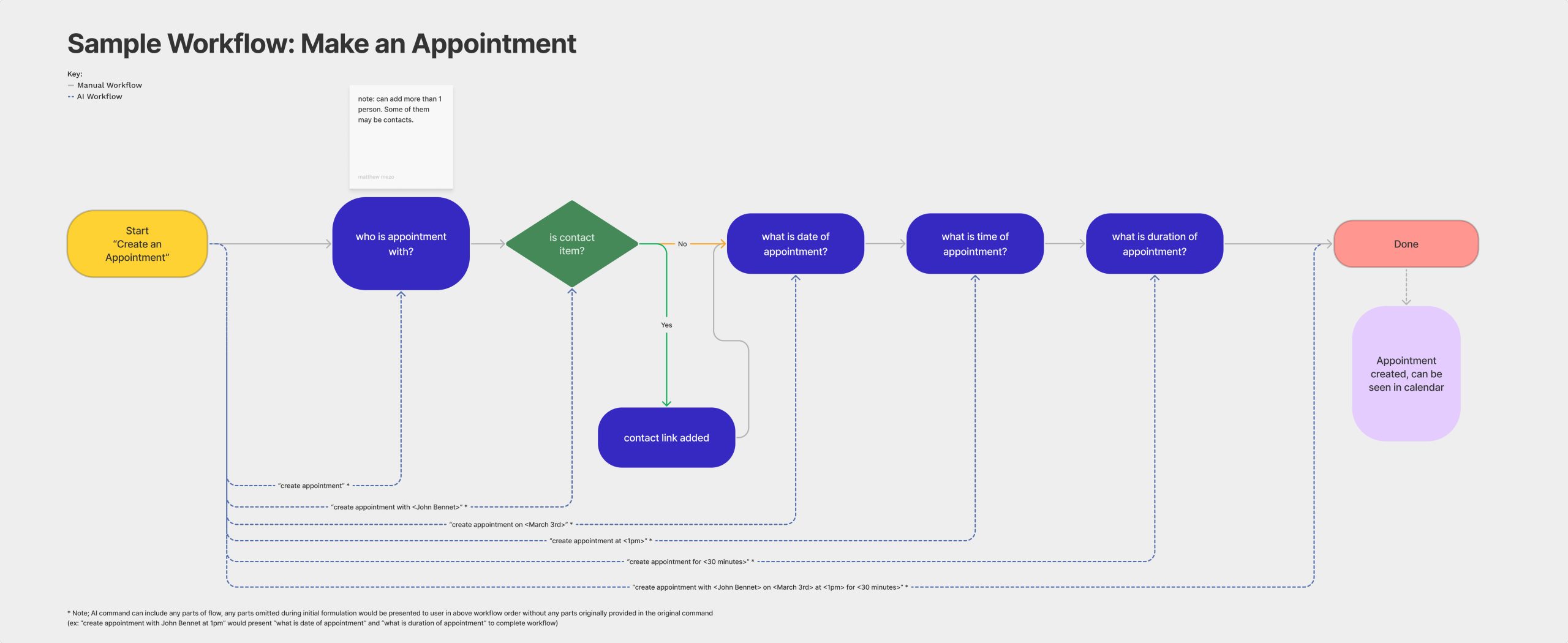
Most input commands to the AI fall into one of two categories:
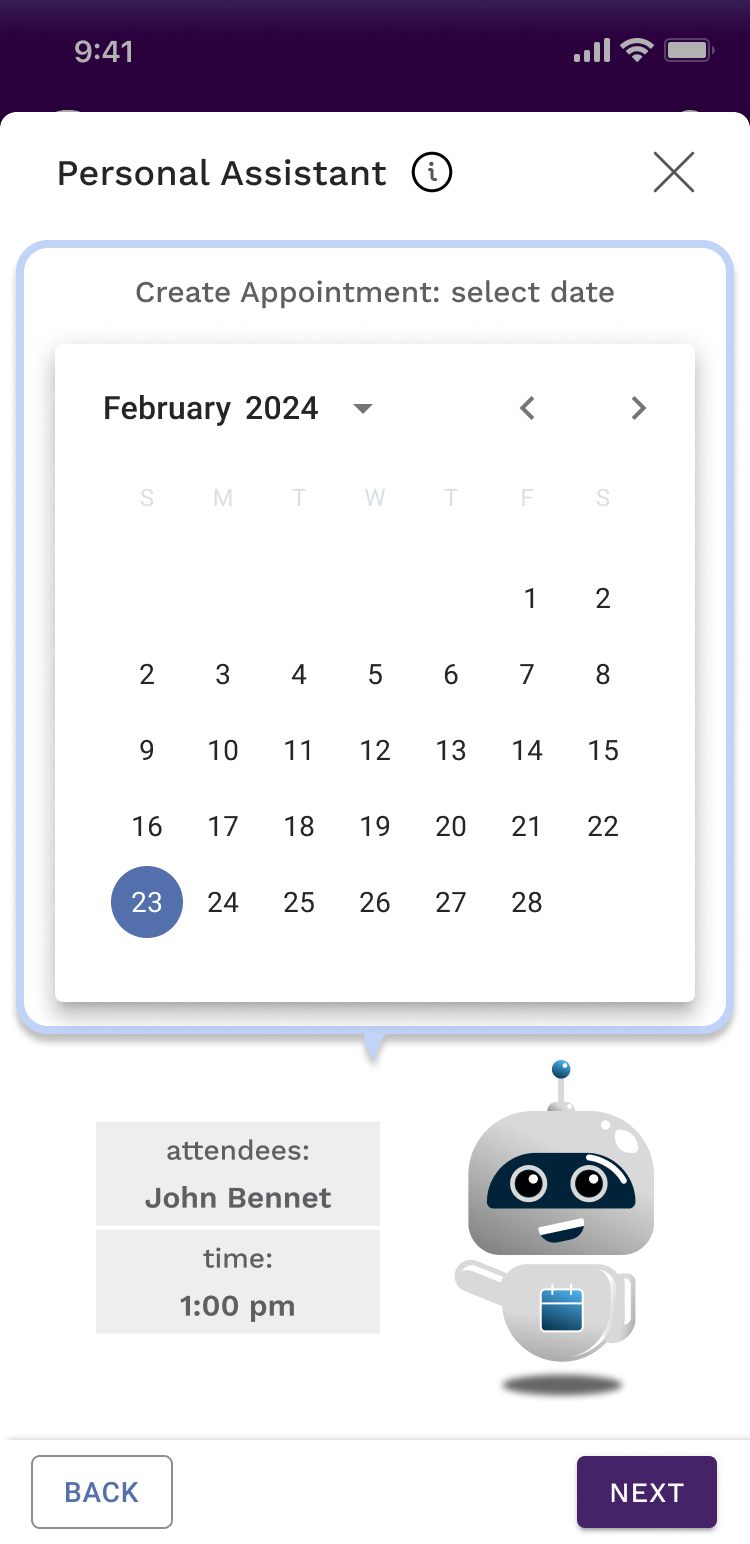
a. Task-based commands (Make an appointment, set a reminder, take a note, call a contact). Each of these have a corresponding manual workflow, however a properly formed command (ex: “set an appointment with Jim Roberts on May 10th at 10:00 a.m. for 30 minutes“) to the AI can fast-track the whole process.
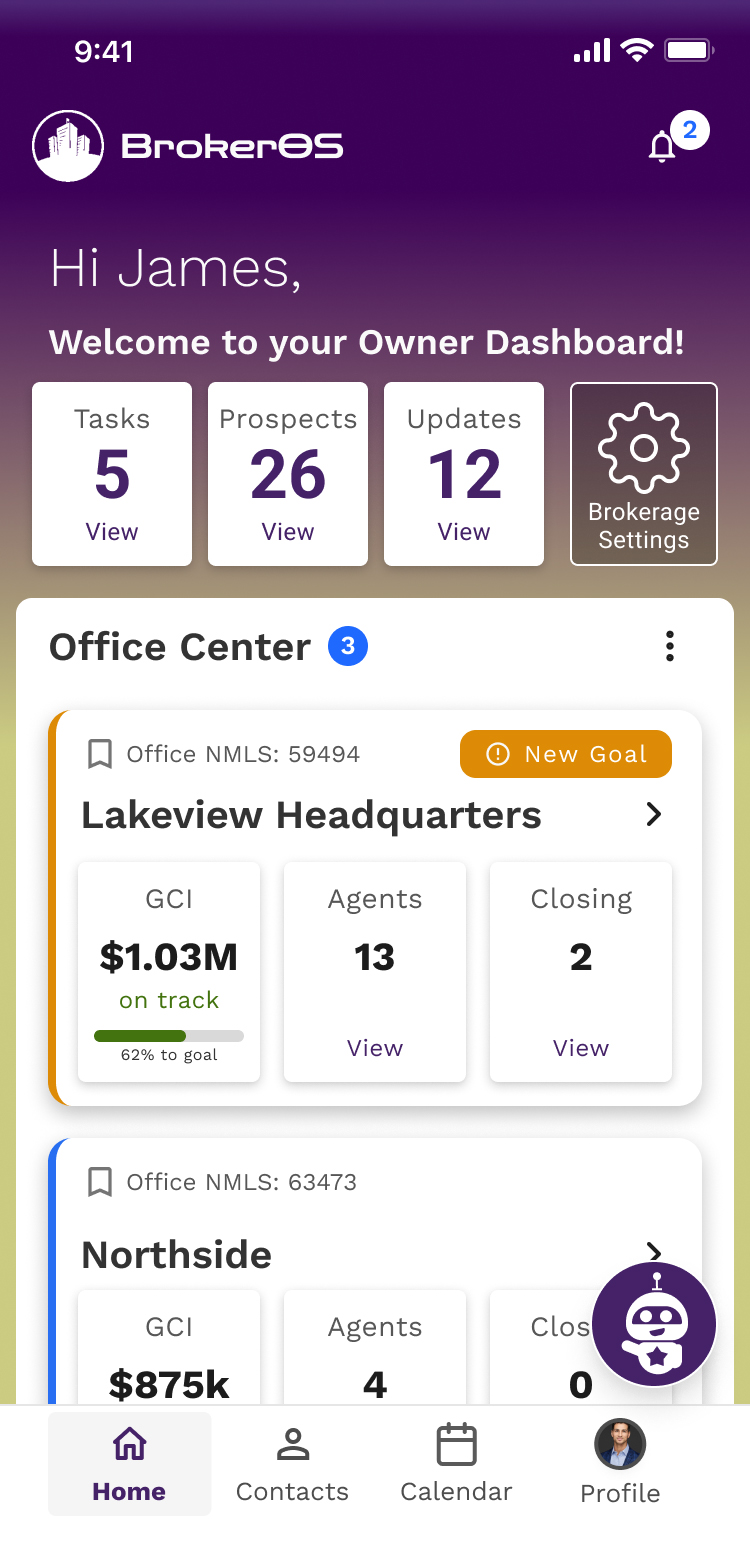
b. Visualization-based requests (who are my top performing agents, How are my offices tracking towards their goals, etc.). Each of these have a manual flow to access related visualizations.
Example Screens:
The Impact from the Solution:
A focused concept application was created to gather user input as guidance early in the process, which was tested with a small set of 8 brokers from an advisory board created for the project (4 fit the “New Broker” persona, 4 fit the “Veteran Broker” persona).
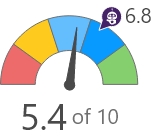
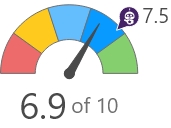
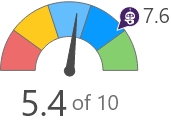
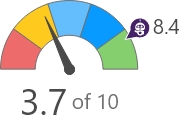
| Task Flow | Avg Time on Manual Task | Avg Time on AI Task | Sentiment Score |
| Set Business Goals | 6 min | 2 min |
 |
| Find Agent, Call Them | 4 min | 1 min |
 |
| Compare My Agents Productivity | 8 min | 1 min |
 |
| Find Recruits, Add and Compare Them | 12 min | 3 min |
 |
Key Take-Aways:
New Brokers were slightly better at the manual tasks than Veteran Brokers, however the AI assistant improved the experience for both types of brokers.
The AI assistant experience was generally perceived as a “time-saver”, or even a virtual “office administrator”, and sentiment toward it was markedly higher than the manual flows.
Agent Prospecting and Recruiting was considered the most difficult manual task, however the AI assistant improved the experience to such a degree that a number of users were seen to smile while using it. It had the greatest separation in Manual vs AI sentiment.
User Quote:
| “I have no idea how I could possibly get to this information today without a lot of manual work.” – The most common open-ended response to the question “How would you accomplish this today?” |